
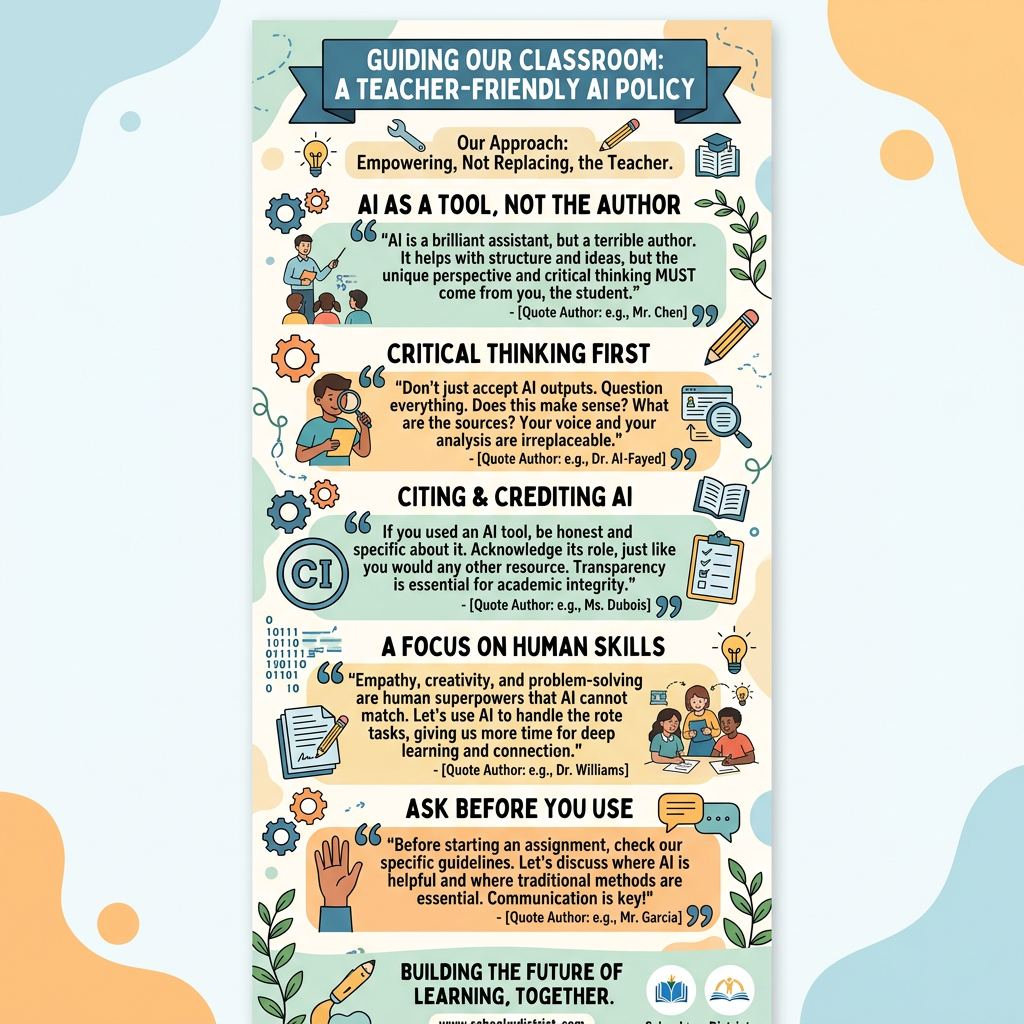
Most AI “policies” are written like legal documents—and most small alternative schools don’t have the time (or staffing) to translate them into something teachers can actually follow.
So here’s a simpler approach: a teacher-friendly AI staff guideline you can adapt to your program. It’s designed for small teams that want consistency, safety, and clarity—without shutting down useful tools.
(This is not legal advice. Use it as a starting point and align to your organization’s requirements.)
Purpose
AI tools may be used to support staff productivity and instructional planning while protecting student privacy, maintaining professional judgment, and aligning with the school’s values.
Approved uses (green light)
Staff may use AI tools to:
- Draft and revise lesson plans, activities, rubrics, and exit tickets
- Differentiate reading levels and reformat materials
- Generate practice questions and examples
- Draft family communication using de-identified notes
- Create checklists, templates, onboarding documents, and internal procedures
- Summarize non-sensitive meeting notes or general program updates
Not approved uses (red light)
Staff may not use AI tools to:
- Enter or upload sensitive student information (names, DOB, addresses, ID numbers)
- Enter IEP/504 details, medical information, counseling notes, or case histories
- Make or justify high-stakes decisions (discipline, placement, grading outcomes, eligibility decisions)
- Generate content that labels/diagnoses students or assumes intent
- Create “final” documentation without staff review and editing
Student privacy: what counts as sensitive?
Treat the following as sensitive:
- student names or initials tied to incidents
- unique incident descriptions that identify a student
- any disability-related or medical information
- family situations, custody, housing status, legal involvement
- anything you wouldn’t say in a public space
Rule of thumb: If the prompt would be inappropriate on a whiteboard in the staff lounge, don’t type it into AI.
Required practice: human review
If AI helps draft something that will be shared externally (families, partners, public website), staff must:
- Review for accuracy and tone
- Remove any identifying details
- Confirm it aligns with school policy and values
A shared prompt library (recommended)
To reduce risk and improve consistency, the school maintains an “Approved Prompts” document for:
- family updates
- behavior-support language
- lesson differentiation
- documentation templates
Staff are encouraged to use the library first, then suggest improvements.
Questions / reporting
If a staff member is unsure whether a use is allowed, they should ask a supervisor before proceeding. If accidental sensitive information is entered into an AI tool, staff should report it immediately per internal procedure.
Optional: copy/paste statement for staff
“AI can help me draft, organize, and differentiate. It can’t replace my professional judgment, and I won’t enter sensitive student information.”
Leave a Reply